
Browser tools
Your browser,one piece better.
Focused browser extensions from an independent maker, each built to do one job well. You see exactly what it does, where to get it and what Pro adds, if anything. Nothing more.
Explore extensions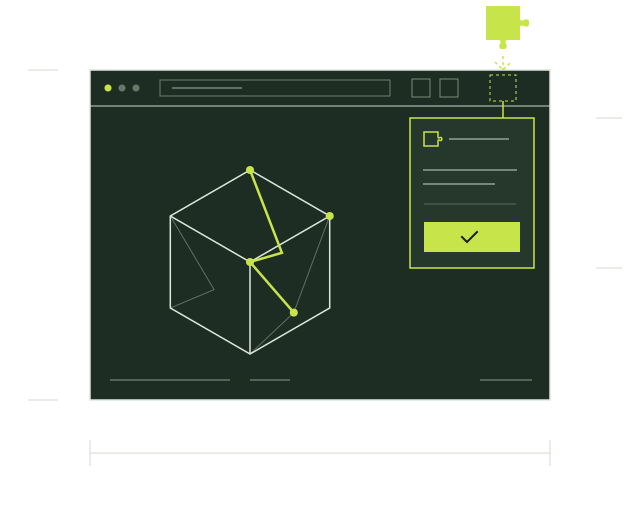 ExtensionToolWick 3DStatusComing soonType3D workflow
Collection
Extensions
Each extension serves a distinct task. We show only its actual features and release status.
ToolWick 3D
Inspect supported 3D scenes in your browser.
Explore extensionThe collection grows.
New extensions appear here with their own pages as they are released.
Suggest the next one

How it works
From store to browser.
Published extensions install from the store. If a product offers paid features, its licence belongs to that product alone.
- 01
Choose an extension
Review its purpose, compatibility and release status.
- 02
Install from the store
Use the official Chrome Web Store link when published.
- 03
Unlock Pro if offered
Activate that product’s licence key inside its extension.